
What Powerwall 3 can run depends on which loads you protect and how normal you want the home to feel
Quick Answer
The short answer
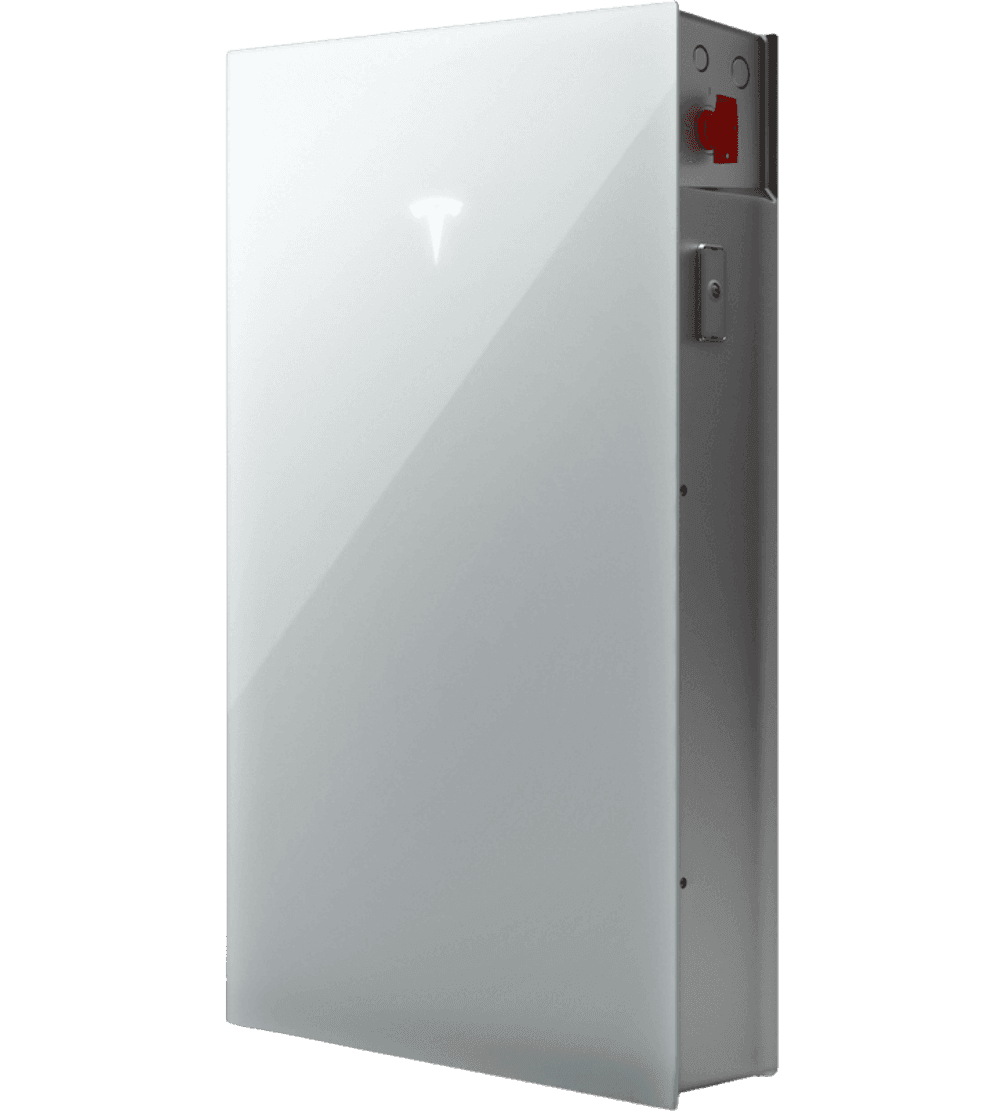
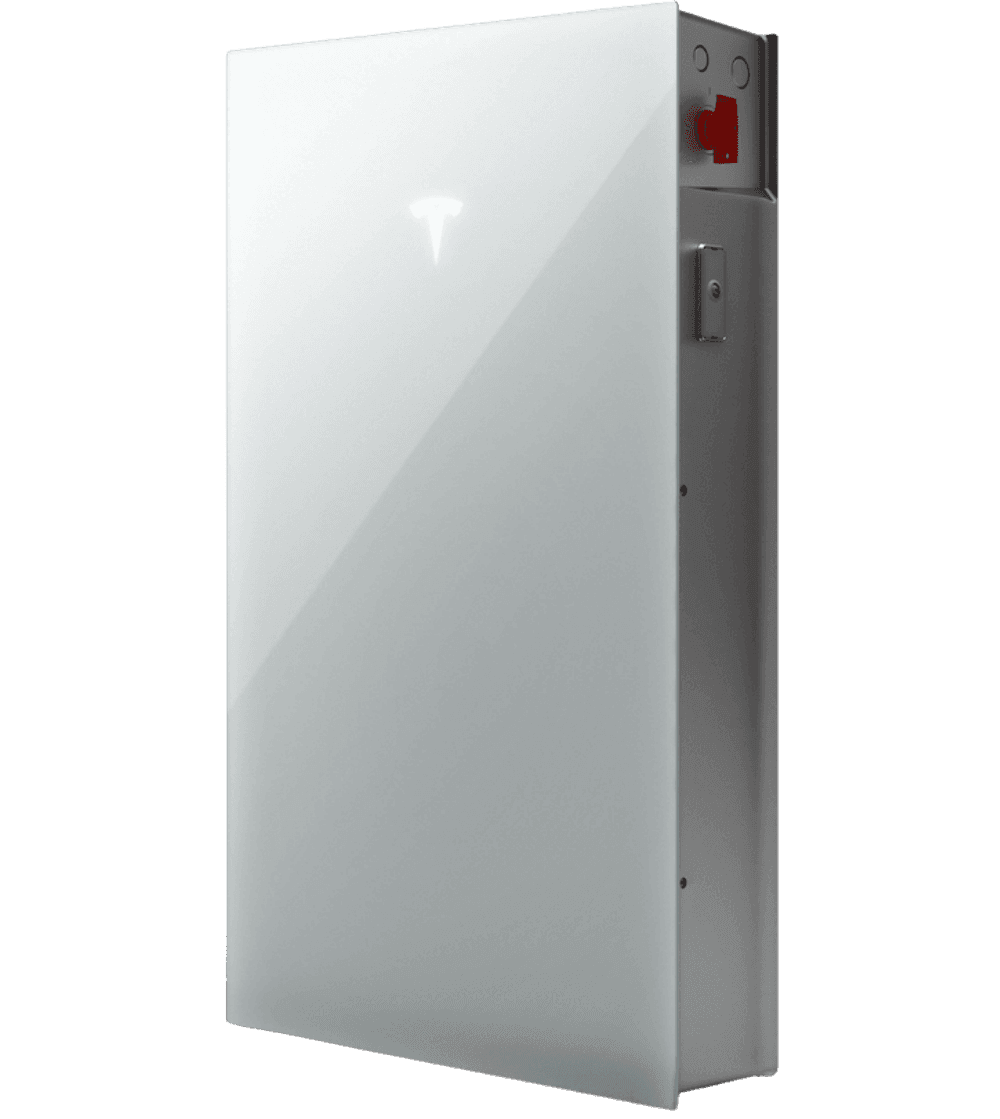
It can support many important residential loads, but the exact list depends on the home's design, battery count, and what other circuits are being protected at the same time.
Quick Takeaways
- Appliance lists are only useful when tied to the overall backup plan.
- Powerwall 3 can support many critical and comfort loads in the right system.
- The right answer is about household performance, not one appliance at a time.
Trust Check
Before you choose an installer, ask for proof that matches the proposal.
Battery and solar pages should help you judge the company, not just the equipment. A stronger proposal makes local work, credentials, reviews, and handoff responsibilities easy to verify.
Local install proof
Ask to see recent Utah battery or solar-plus-storage work with photos, scope notes, and the type of home the system was designed for.
Credential check
Confirm who is responsible for permitting, electrical work, inspections, commissioning, and any current contractor or electrical license details before approval.
Review trail
Compare recent homeowner reviews, third-party directory profiles, and warranty response expectations alongside the proposal number.
Short Answer
Powerwall 3 can run a lot, but the real answer depends on what the household expects during an outage
Homeowners often ask what Powerwall 3 can run because they want a simple appliance list. The problem is that a list without context is usually misleading. Refrigeration, lighting, internet, outlets, kitchen circuits, well pumps, and selected HVAC loads can all be part of a real backup plan, but what the system should carry depends on the home and the homeowner's expectations.
The useful question is not whether the battery can technically power an appliance once. It is whether the whole protected-load strategy will feel stable and adequate when the grid goes down. That is why the answer always comes back to design.
- Appliance lists are only useful when tied to the overall backup plan.
- Powerwall 3 can support many critical and comfort loads in the right system.
- The right answer is about household performance, not one appliance at a time.

What Changes the Load Plan
Heating and cooling, kitchen use, pump loads, and comfort expectations are what change the answer
Some homes only need essential circuits like refrigeration, lighting, internet, garage access, and a few convenience loads. Others want a calmer whole-home experience that includes cooking, broader room coverage, or stronger HVAC support. Those are not the same backup designs, which is why battery count, panel strategy, and the protected-load architecture matter so much.
If the homeowner also wants a longer-term solar + battery system, that can improve how the stored energy is used over time, but the immediate question still starts with what the home must carry first.
- Comfort expectations are one of the biggest variables in load planning.
- Larger loads and longer outage expectations can change the battery recommendation quickly.
- The best design protects the right circuits without overpromising the outcome.
Best Next Step
Start with the loads that matter most instead of asking for a generic battery promise
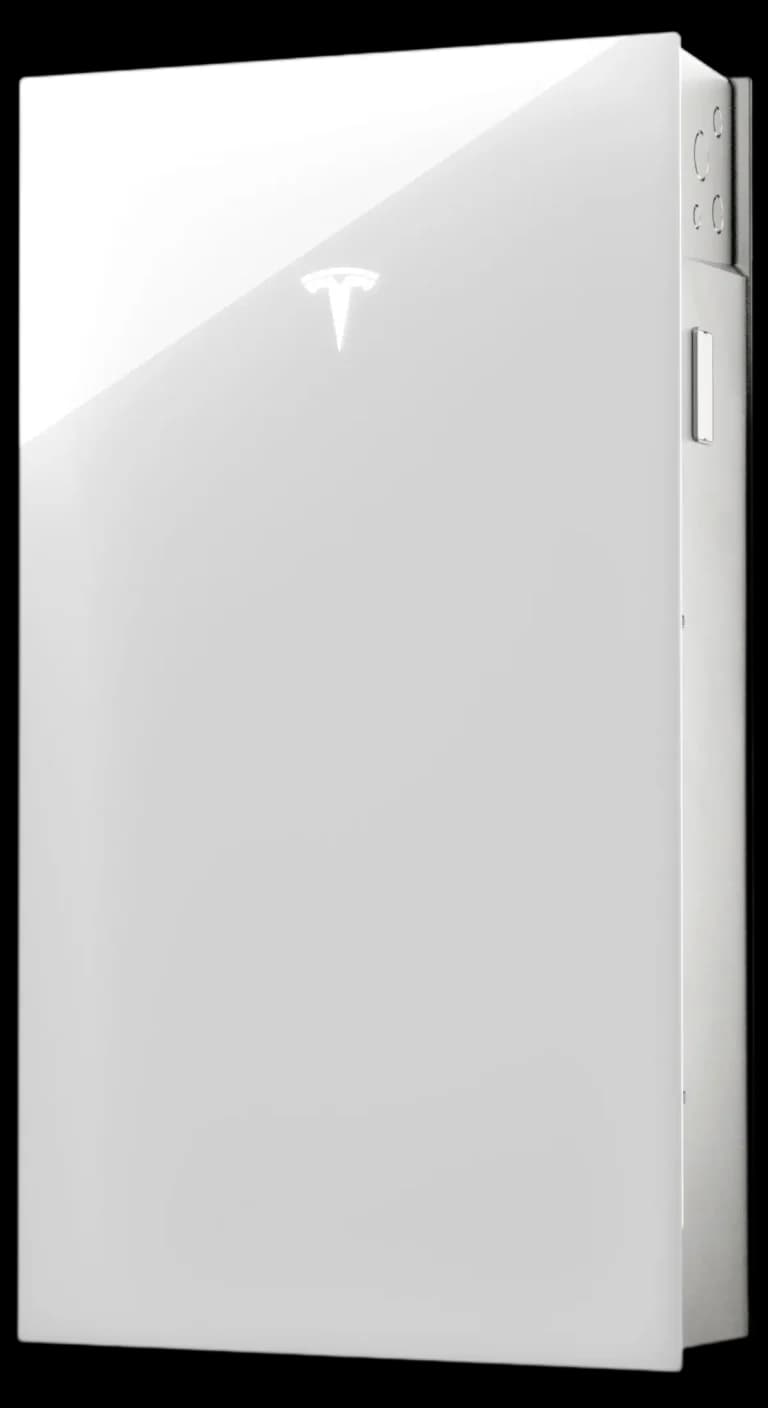
If you want a real answer, define which circuits must stay on, which comfort loads would meaningfully improve the outage experience, and whether the project is battery-only or part of a larger integrated system. That gives you a recommendation that is useful in the real world instead of only sounding good online.
Homeowners who are focused on cooling should pair this guide with Can Powerwall 3 run AC? before assuming all major comfort loads belong in the first proposal.
- Protected-load planning produces a better answer than an appliance checklist alone.
- Use a custom energy plan to match the battery strategy to the home’s real priorities.
FAQ
Straight answers before you move into a custom energy plan.
What appliances can Powerwall 3 run during an outage?
It can support many important residential loads, but the exact list depends on the home's design, battery count, and what other circuits are being protected at the same time.
Can Powerwall 3 run kitchen circuits and refrigeration together?
Often yes in the right design, but the answer depends on what else the system is being asked to carry and how broad the backup plan is supposed to be.
Why is a protected-load plan better than a generic appliance list?
Because the battery should be designed around how the whole home behaves during an outage. A list of appliances without context often creates false expectations.
Related Guides
Keep moving through the buying questions that shape the right system.
These next guides are paired to help readers move from one objection into a clearer Powerwall 3 decision.
Powerwall FAQ
Can Powerwall 3 power a house depends on the loads you want carried during an outage
The right answer requires a circuit-level view of your home, not a one-size-fits-all promise.
AC Backup Guide
Can Powerwall 3 run AC depends on startup loads, backup goals, and how the home is designed
Powerwall 3 can support central air in the right design, but AC backup is a load-planning question, not a blanket promise.
Backup Strategy Guide
Whole-home backup battery vs essential circuit backup depends on how calm you want outages to feel
Some homeowners only need critical circuits protected. Others want a broader whole-home experience. The right backup level should be designed around daily life, not generic package tiers.
Decision Guides
Use these guides to answer the next practical question before you request a proposal.
Next Step
See All Resources
Browse the full decision library when you want more context first.
See All ResourcesGuide library
Core Services
Start with the home. Add battery, solar, and roof work only where they make the project stronger.
Service
Powerwall 3 Installation
Battery-first planning for backup power, resilience, and smarter long-term energy control.

Service
Solar + Powerwall Systems
Integrated solar sizing and storage strategy designed as one coordinated system.

Service
Roofing for Solar Readiness
Roof review and upgrade planning when the project needs it before solar moves forward.
Next Step
Move from browsing to a real system plan.
Start with your backup goals, utility exposure, and roof readiness. The right recommendation gets clearer fast once the hierarchy is right.