
Powerwall 3 app and monitoring questions are really about visibility, control, and homeowner confidence
Quick Answer
The short answer
Usually because they want to know how clearly they can monitor battery behavior, reserve settings, outage status, and overall system performance after installation.
Quick Takeaways
- App searches are usually ownership-confidence searches.
- Monitoring should make battery behavior easier to understand after install.
- Reserve settings and outage visibility are part of the value story.
Trust Check
Before you choose an installer, ask for proof that matches the proposal.
Battery and solar pages should help you judge the company, not just the equipment. A stronger proposal makes local work, credentials, reviews, and handoff responsibilities easy to verify.
Local install proof
Ask to see recent Utah battery or solar-plus-storage work with photos, scope notes, and the type of home the system was designed for.
Credential check
Confirm who is responsible for permitting, electrical work, inspections, commissioning, and any current contractor or electrical license details before approval.
Review trail
Compare recent homeowner reviews, third-party directory profiles, and warranty response expectations alongside the proposal number.
Why The App Matters
Monitoring is part of the ownership experience, not a minor feature
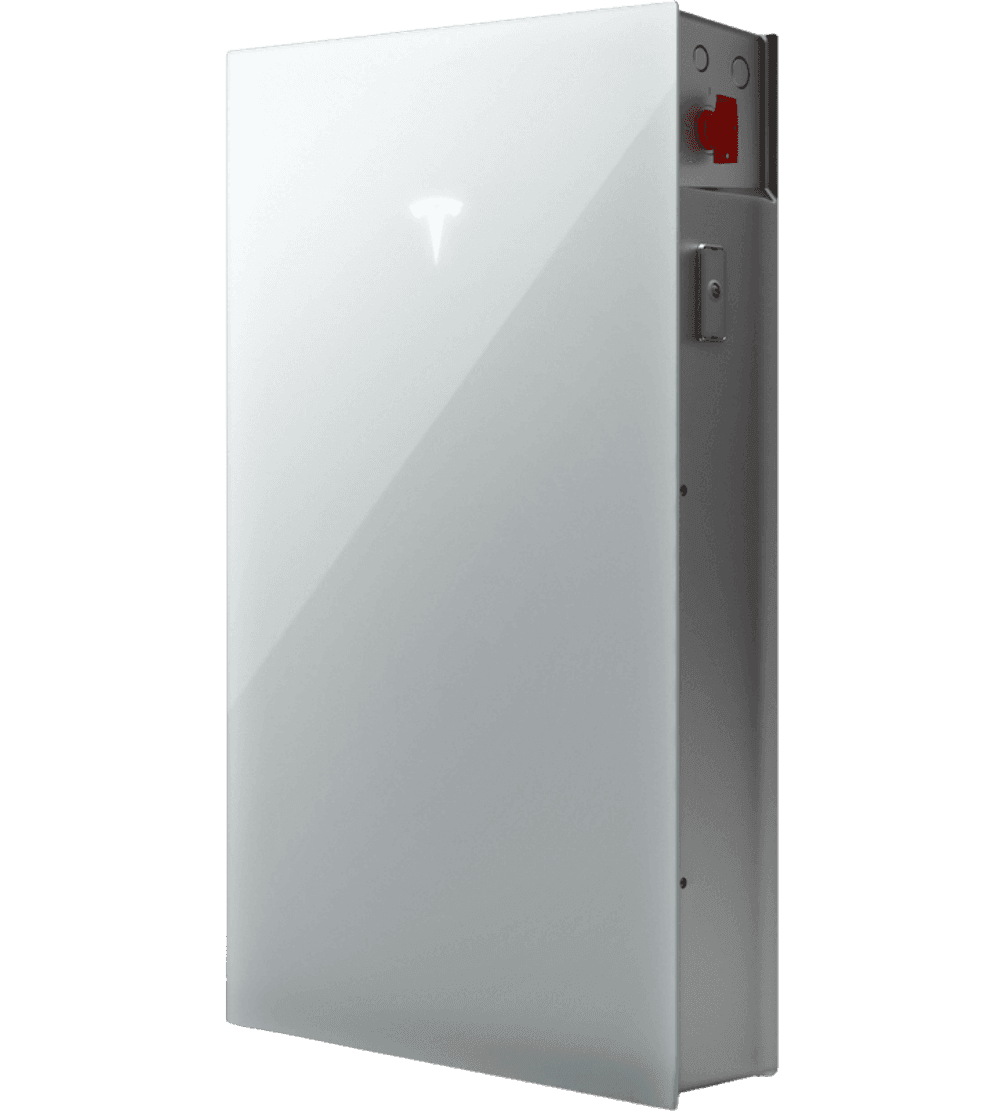
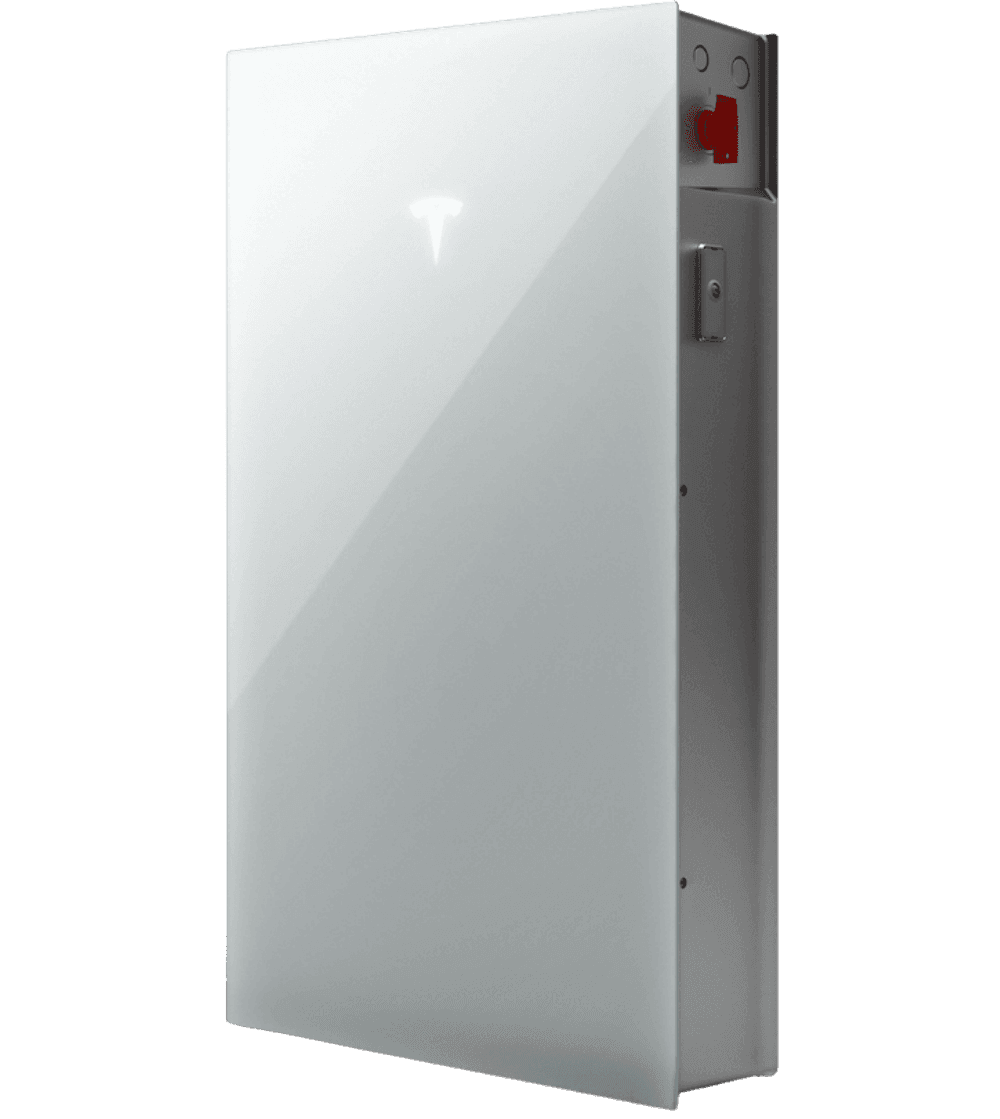
Homeowners searching for the Powerwall 3 app, app setup, or monitoring controls are usually trying to understand whether the system will feel understandable after installation. That is a strong buying question. A premium battery should not become mysterious once it is mounted on the wall. The homeowner should be able to see charging behavior, reserve settings, outage status, and how the system is responding to normal daily use.
The app matters because good monitoring reduces long-term friction. It helps the homeowner trust the system, understand battery behavior, and feel like the system is doing what it was sold to do.
- App searches are usually ownership-confidence searches.
- Monitoring should make battery behavior easier to understand after install.
- Reserve settings and outage visibility are part of the value story.
Best Next Step
Use app questions to compare handoff quality and monitoring clarity before buying
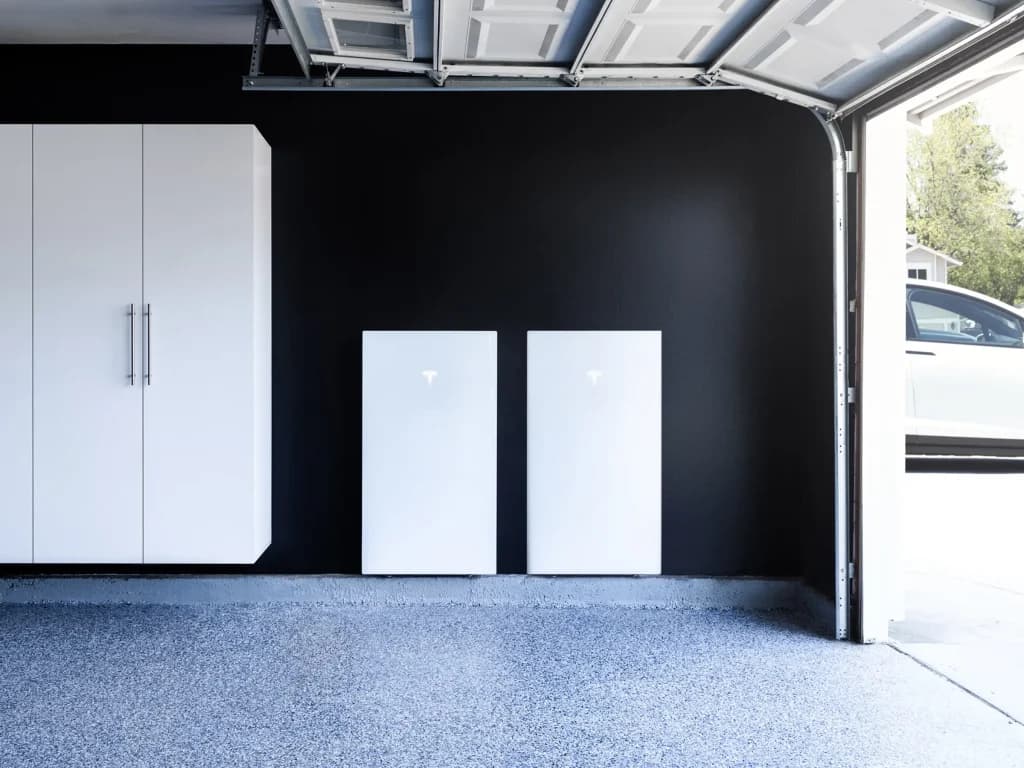
The most useful next step is to ask how monitoring is explained at commissioning, what the homeowner will be able to see, and how reserve behavior and backup settings will be handled in the real system.
- Pair app questions with commissioning and support questions.
- A better monitoring experience usually comes from a better install process.
FAQ
Straight answers before you move into a custom energy plan.
Why do people search for the Powerwall 3 app?
Usually because they want to know how clearly they can monitor battery behavior, reserve settings, outage status, and overall system performance after installation.
Should monitoring quality matter when choosing an installer?
Yes. Monitoring is part of the ownership experience, and the installer should explain it clearly during commissioning and handoff.
Related Guides
Keep moving through the buying questions that shape the right system.
These next guides are paired to help readers move from one objection into a clearer Powerwall 3 decision.
Maintenance Guide
Powerwall 3 maintenance and service should feel minimal, but system quality still matters over time
Homeowners should expect a cleaner ownership model than generator-style backup, but service quality still depends on planning, monitoring, and long-term fit.
Installer Guide
What to ask a Powerwall 3 installer before you compare proposals or battery count
The right installer questions should uncover load planning quality, backup strategy, solar fit, roof timing, and whether the proposal is actually designed for your home.
Gateway Guide
Powerwall 3 backup gateway questions matter because transition quality and backup control depend on them
Backup gateway searches usually mean the homeowner wants to understand how the system transitions during outages and how the backup architecture is being designed.
Decision Guides
Use these guides to answer the next practical question before you request a proposal.
Next Step
See All Resources
Browse the full decision library when you want more context first.
See All ResourcesGuide library
Core Services
Start with the home. Add battery, solar, and roof work only where they make the project stronger.
Service
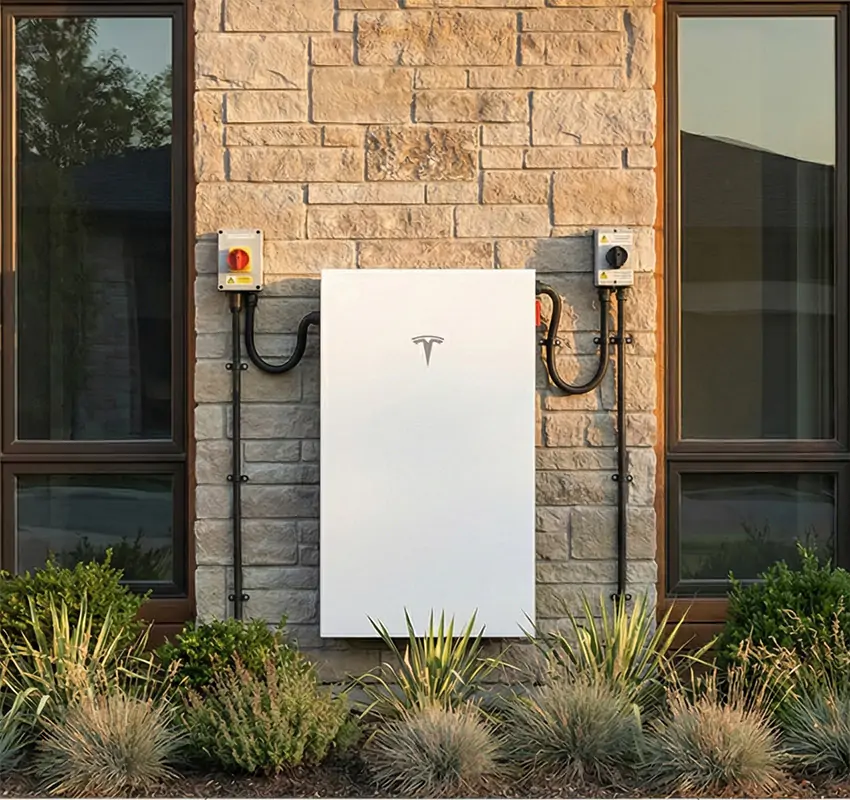
Powerwall 3 Installation
Battery-first planning for backup power, resilience, and smarter long-term energy control.
Service
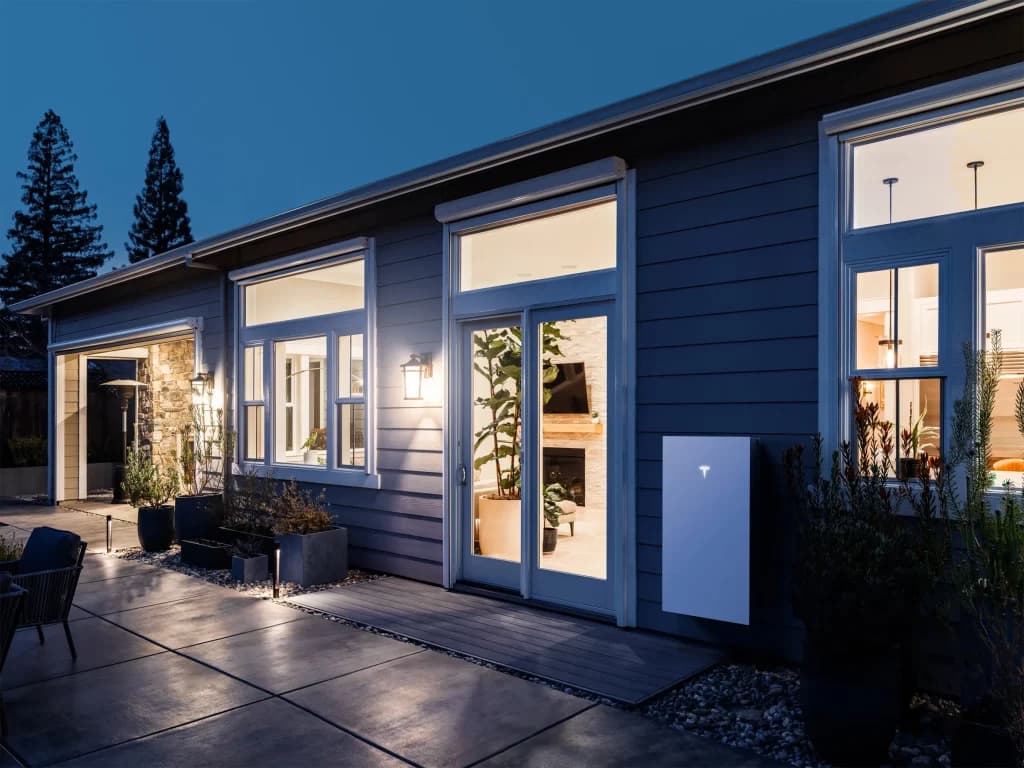
Solar + Powerwall Systems
Integrated solar sizing and storage strategy designed as one coordinated system.
Service
Roofing for Solar Readiness
Roof review and upgrade planning when the project needs it before solar moves forward.
Next Step
Move from browsing to a real system plan.
Start with your backup goals, utility exposure, and roof readiness. The right recommendation gets clearer fast once the hierarchy is right.